
Quick summary
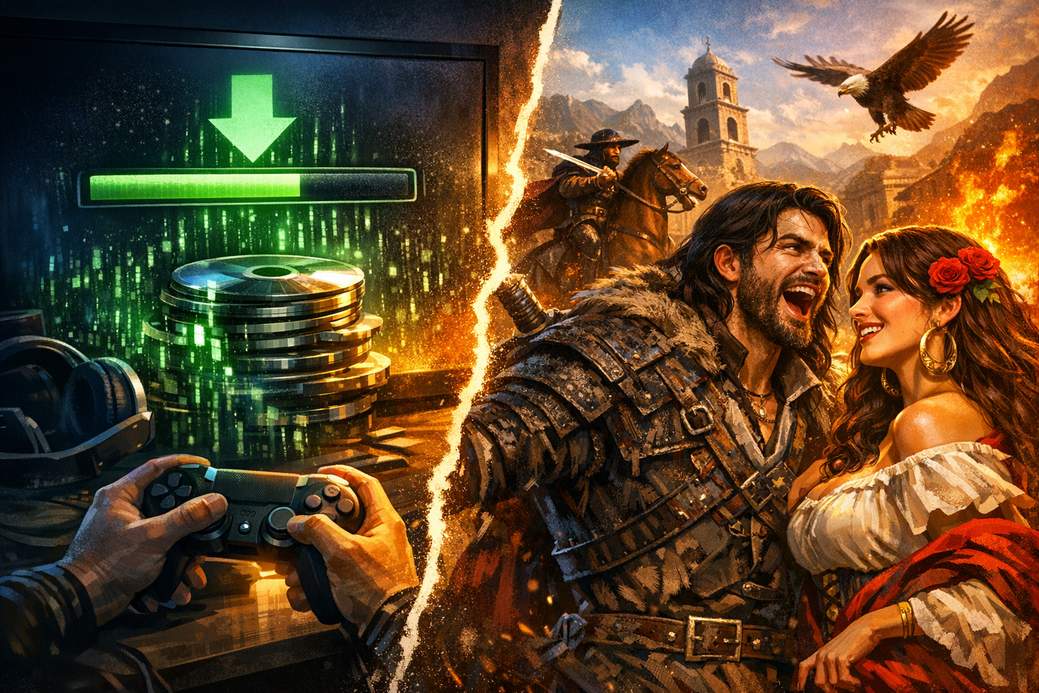
Good news: Spanish voice acting arrived in Crimson Desert with the big 2.00.00 update. It’s not tucked into a simple menu swap though — you usually have to download a separate language pack for your platform. Before anything else, make sure the game is updated to version 2.00.00 or newer.
PC (Steam) — the two-click download
Open Steam, find Crimson Desert in your Library, right-click it and go to Properties > Language. Pick Spanish and Steam will fetch the voice files. Once those are finished downloading, launch the game and navigate to Menu → Other → Settings → Language and Audio to set the voice language to Spanish (you can keep text in whatever language you like).
PlayStation 5 — install from the console
On PS5 the voice pack installs from the console UI, not from inside the game. Highlight the Crimson Desert icon on the home screen, press Options on your controller, then choose Manage Game Content. Find the Spanish language pack and hit Install. After it finishes, open the game and go to Menu → Other → Settings → Language and Audio to switch voice to Spanish.
Xbox Series X|S — manage add-ons
On Xbox, open your game library, locate Crimson Desert and choose Manage Game & Add-ons. In that menu you’ll see optional content — find and download the Spanish language pack. Once installed, start the game and head to Menu → Other → Settings → Language and Audio to select Spanish for voices.
Troubleshooting: Spanish not showing up?
If Spanish doesn’t appear after you’ve updated and downloaded the pack, don’t panic. There’s a known hiccup in version 2.00.00 that can hide the option in some situations (especially if you changed voice settings before installing the update). The developer’s quick fix is to open Menu → Other → Settings → Language and Audio and set Voice to Default, then check again.
Also double-check that the language pack actually downloaded on your platform, that the game is on 2.00.00 or later, and try restarting the game or console/PC. If things are still stubborn, re-download the language pack or reinstall the game content for that platform.
Extra tips and oddities
You can mix and match: the voice language can be Spanish while on-screen text stays in your preferred language. Make sure you have enough free storage before downloading big audio packs. If you’re feeling dramatic, play a cutscene in Spanish and pretend you’re the hero of a telenovela — no judgement.
That’s it!
Follow the steps for your platform, grab the Spanish pack, and enjoy the voiceover vibes. If something goes sideways, try the Default voice setting, reinstall the pack, or give your system a restart. Feliz aventura!