
Short version
Once you’ve finished a main story mission at least once, you can replay it anytime from the Nightmare Cabin in the main menu — but you need to unlock that cabin first by reaching the first optional Nightmare Gate.
How to unlock the replay option
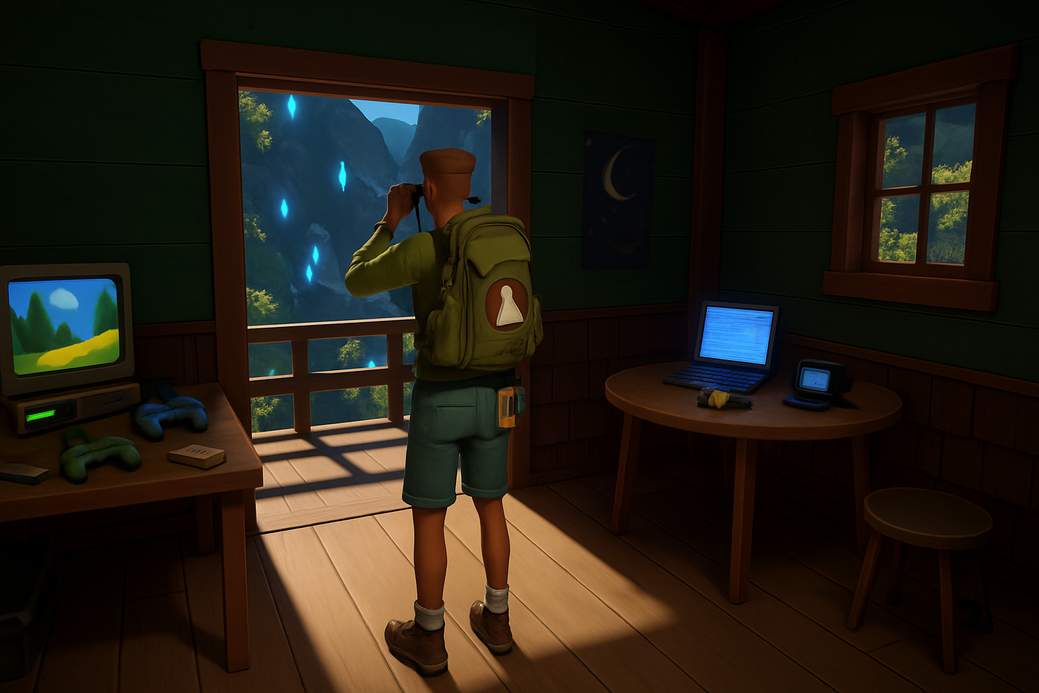
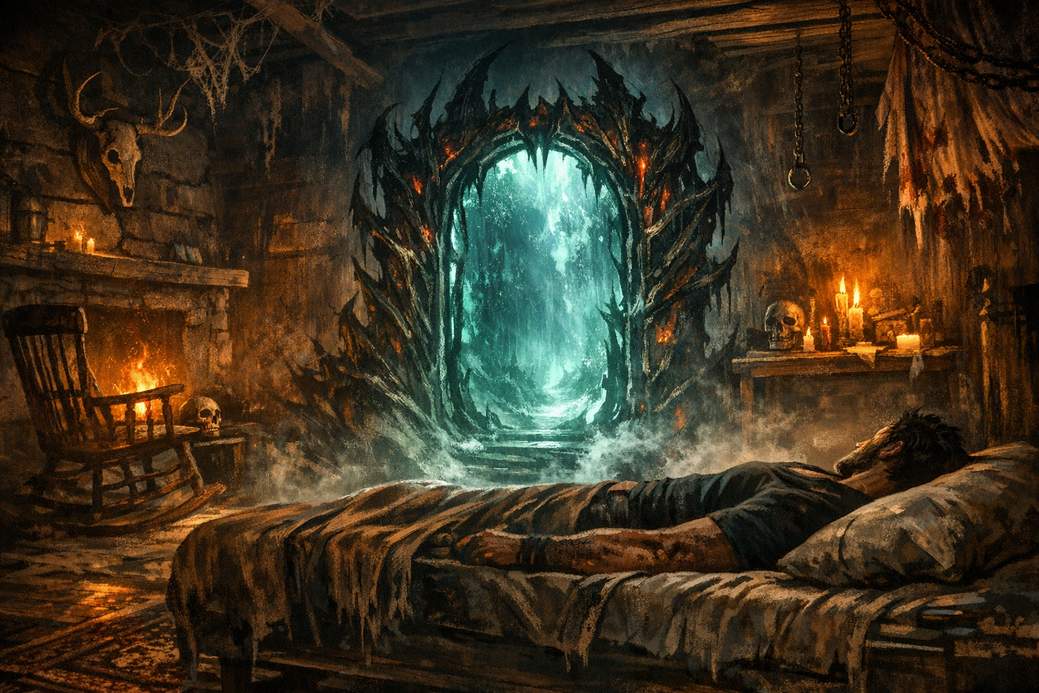
Keep playing until you encounter the first optional Nightmare Gate (not the mandatory one during the “Return Home” mission). After that optional gate appears, the Nightmare Cabin becomes available in the main menu. Consider it Wolverine’s lounge for redoing business.
How to replay a mission
Go to the Nightmare Cabin from the main menu (or visit it in-game when you pass through a Nightmare Gate). Interact with the bed so Logan lies down — the game will then offer the replay option. A list pops up showing every main mission you’ve completed at least once; select one and press the X button to start it again.
What the replay menu shows
The list is organized by zone and shows your progress in each mission plus any collectibles you haven’t collected yet. It’s a handy way to jump back to a specific part of the story without replaying everything leading up to it.
Extra tips
From the same cabin you can also replay Nightmare Trial challenges to farm medals and their rewards. So if you’re hunting collectibles, achievements, or just want to rewatch Logan’s chaos, the Nightmare Cabin is your one-stop replay shop.