
The odd discovery
Digital Foundry stumbled on a delightfully weird trick for the Nintendo Switch 2: opening the in-game GameChat window actually makes some games run smoother. Yeah — the thing that you’d expect to eat CPU time sometimes ends up being a performance booster for certain titles, especially games using Capcom’s RE Engine.
How opening chat can raise your framerate
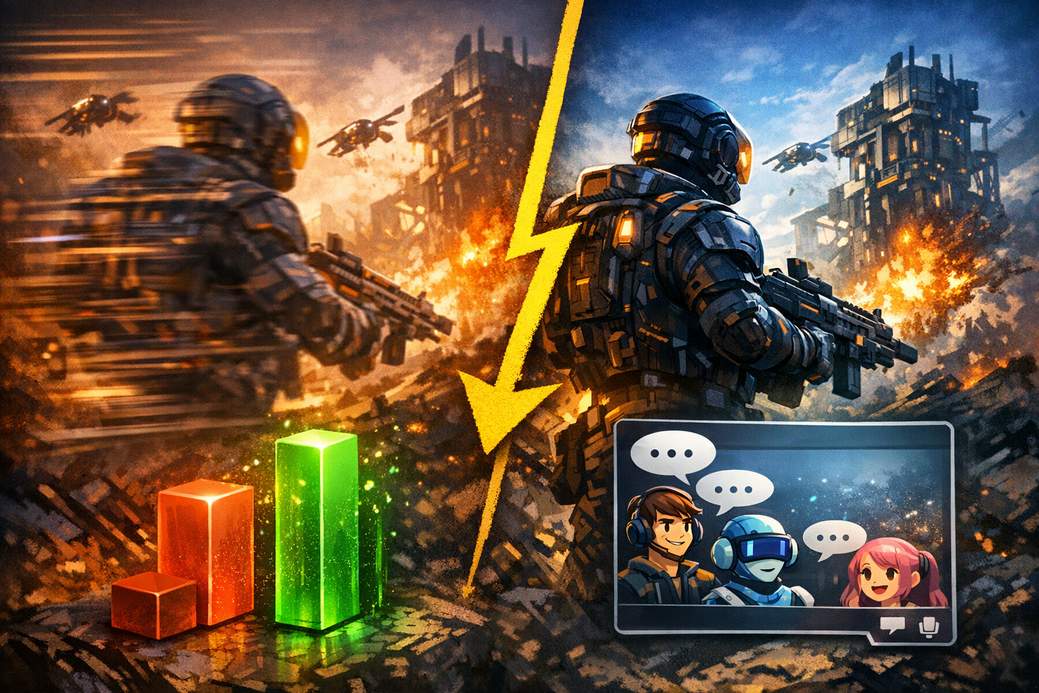
Normally, adding an overlay or chat should slow things down. In some games it does — Layers of Fear, for example, loses roughly 7.5% performance when GameChat is active. But with Capcom’s RE Engine games the opposite happens. Pragmata in docked mode sits at about 54 FPS by default; open the medium GameChat window and it climbs to 58 FPS, and shrink that window and you can hit a steady 60. Kunitsu-Gami behaves even more dramatically, jumping from ~51 FPS up to a constant 60 when the small chat window is enabled.
What’s actually happening under the hood
These games are “window-aware,” meaning they adjust the internal rendering resolution to match how much screen real estate the game actually has to draw to. Smaller window = fewer pixels to render. That translates to less GPU work and more headroom for higher framerates.
Pixel math: the reason it works
Digital Foundry did the counting and found Pragmata’s internal resolution in docked mode is roughly 540p. With the medium chat window it drops to about 432p, and with the small window it plunges further to around 360p. That drop in pixel count frees up enough power for the console to consistently reach 60 FPS. Capcom apparently implemented aggressive downscaling to offset GameChat’s extra load — they were trying to be cautious and ended up overshooting, which is why enabling chat can net a performance gain.
Other Switch 2 oddities (because why not)
This isn’t the only weird quirk people have spotted on the Switch 2. There have been odd output-resolution behaviors in Hitman and some unusual 120Hz-related modes in Cyberpunk 2077. These tricks work, but they’re a bit hacky and can feel like bandaids on top of design choices that should be fixed more cleanly by developers.
TL;DR — Should you use it?
If you’re chasing 60 FPS in dynamic-resolution games and you don’t mind playing in a smaller window, flipping on GameChat is an easy, silly trick to try. It’s not elegant, and ideally devs should tune resolution scaling or lock frame rates properly, but until then, enabling chat is a quick way to squeeze extra smoothness out of some Switch 2 titles.