
Why bother switching to Google Messages?
Samsung is moving people toward Google Messages because it plays nicely with RCS — better photos, richer group chats, and fewer cryptic SMS-limit surprises. If you’ve already jumped on the bandwagon (or are eyeing it suspiciously), here are five tiny changes that make a huge difference. No tech degree required, just a phone and mild curiosity.
1) Stop broadcasting every time you read something
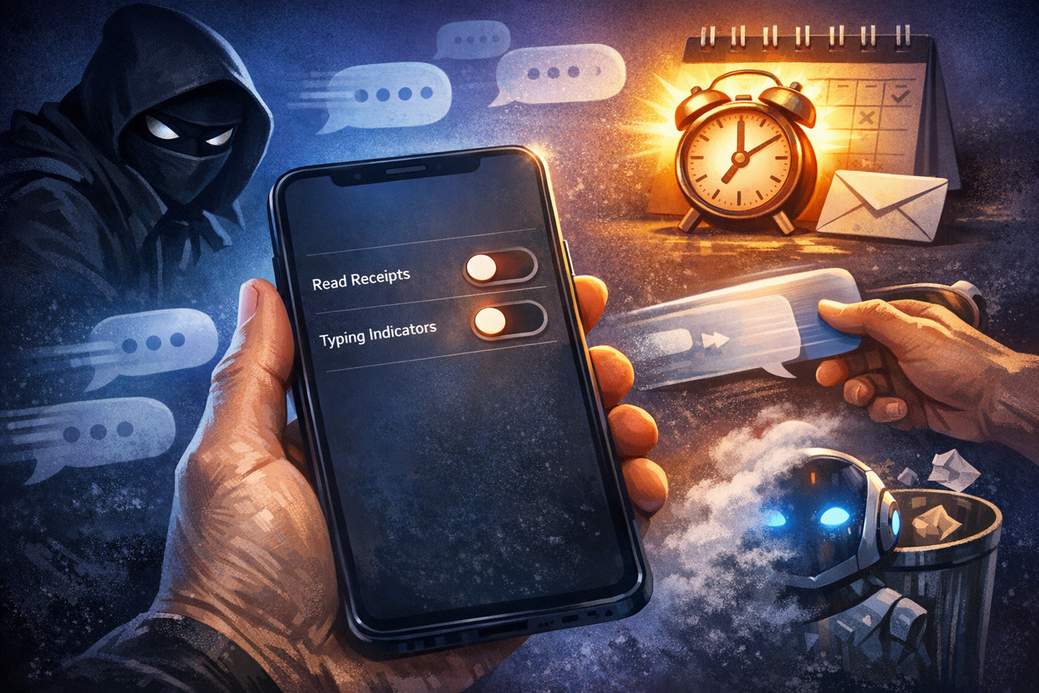
If you enjoy being mysteriously unavailable, turn off read receipts and typing indicators. This way you can take your sweet time replying without launching panic in the other person’s DMs.
How to do it: Tap your profile picture, go into Message Settings, open RCS Chat, then toggle off “Send read receipts.” While you’re there, flip off “Show typing indicators” so nobody sees your three-second internal monologue.
2) Make swipe gestures actually useful
Swiping left and right should do more than make your phone feel indecisive. Customize your swipe actions so you don’t accidentally trash the convo with a dramatic flick.
How to do it: Tap your avatar, head to Message Settings and find Swipe Actions. Pick what each swipe does — Trash, Mark as read/unread, or nothing — and enjoy the newfound power.
3) Hide Gemini if you don’t want AI lurking in your chats
AI can be helpful, but it’s also that one nosy party guest. If you don’t want Gemini’s button or suggestions showing up in a conversation, you can make it disappear.
How to do it: Tap your avatar, open Message Settings, go to Gemini in Messages, and switch off the “Show Gemini button.” Poof — no AI in your chat bar.
4) Schedule messages so you don’t moonlight as a bad-timed texter
Want to send something later because midnight texts are cursed? Use message scheduling to avoid being that person who ruins someone’s sleep with a spicy meme.
How to do it: Type your message, long-press the Send icon, then choose from the quick options like “Later today,” “Later tonight,” or pick a custom date and time. Set it and forget it — responsibly.
5) Stop suggested replies from zapping out instantly
Quick reply suggestions are convenient — until they send a one-word answer you didn’t mean to dispatch. Change the behavior so suggestions draft a message instead of sending immediately.
How to do it: Tap your profile picture, go to Message Settings, then Suggestions and Actions → Suggestions. Switch from “Tap to Send” to “Tap to Compose,” or disable Suggestions entirely if you’re anti-robotic shortcuts.
Final tips and a tiny warning
There are more neat features (favorites, pinning chats, starring messages), but these five settings will give you the most dramatic improvement for minimal effort. One important note: RCS features depend on your carrier and the recipient’s setup — if RCS isn’t active, your messages may fall back to boring old SMS and carrier rates. So double-check RCS status if something looks off.
Parting thought
Mess around with these tweaks and you’ll either become a more polite texter or a stealthy digital ninja. Either way, your notifications will be happier.