
Quick fix to go full screen
So you launched Undertale and it’s nestled in a tiny window like it’s shy. No worries — you can blow it up to glorious full screen in seconds without downloading anything weird or diving into game files.
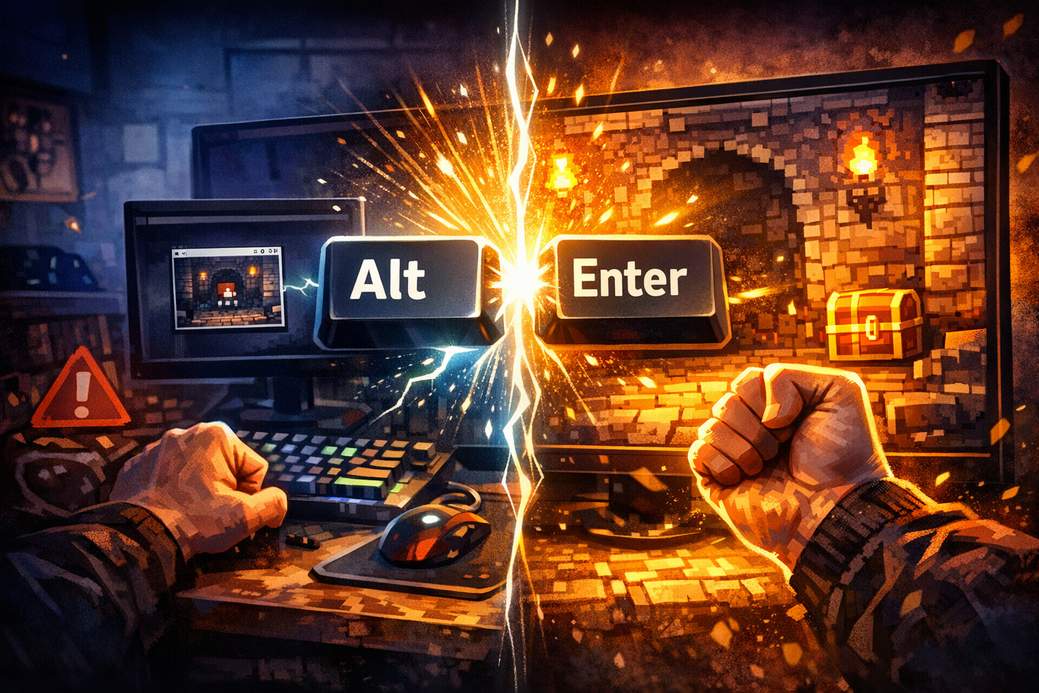
Just press Alt + Enter at the same time. That key combo toggles the window to full-screen mode. Hit Alt + Enter again and you’ll pop back to windowed mode.
Before you rage-quit (save first!)
A little PSA: save your game before fiddling with settings. Some setups behave oddly and certain ways of closing the window or hitting Esc can kick you out of the game, so don’t risk losing progress while you experiment.
When Alt + Enter refuses to cooperate
If nothing happens, click the game window once to make sure it’s focused and try again. Other fixes include running the game with compatibility settings, checking for keyboard shortcuts or overlays that might block Alt + Enter, and updating your graphics drivers.
Parting tip
Alt + Enter is your new best friend for toggling full screen quickly. Now get back to those charming pixels — bigger, bolder, and ready to be adored.