
Welcome to the time circus
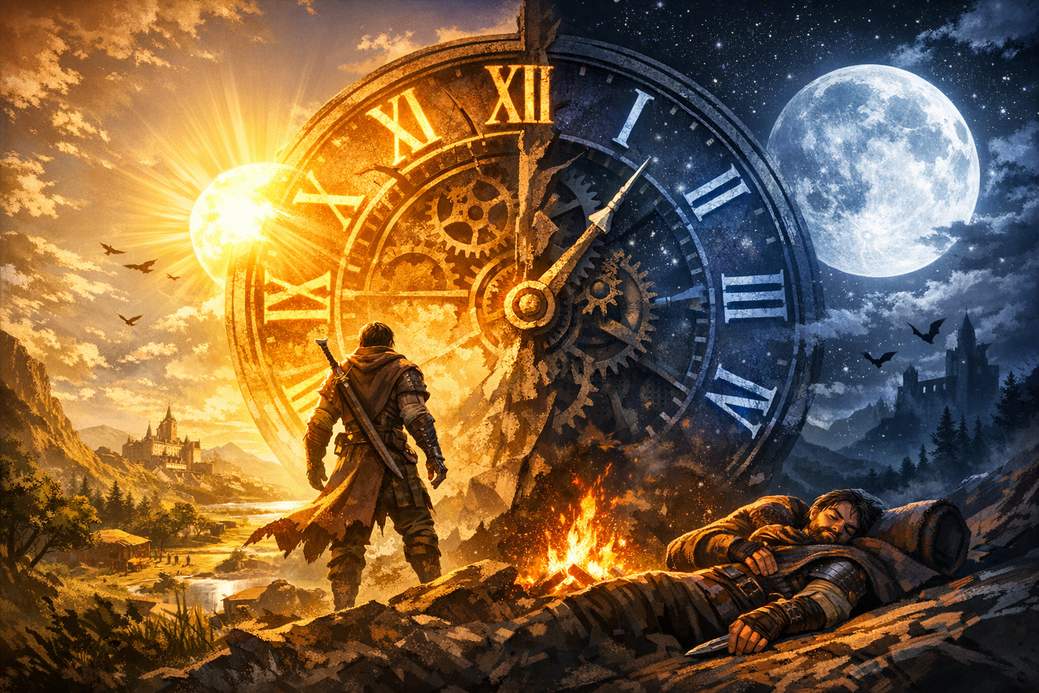
Crimson Desert doesn’t let you be the boss of the sun and moon. Time ticks on its own, and while you’ll often want it to be daytime or nighttime for quests or shenanigans, the game expects you to play along. Learn the rules and you’ll waste less wandering around like a confused NPC.
How the day/night cycle actually works
Time advances naturally as you play, but you can’t instantly pick whatever hour you fancy. The catch: your character has to be tired before you can rest and skip ahead. So even if there’s a comfy bed or a smoky campfire right under your nose, you won’t be fast-forwarding time unless your avatar is worn out.
Where to sleep (and why beds aren’t the only option)
If you’re in a town or another safe area, simply interact with a bed to rest for a few hours — that’s the simplest method. When you’re out exploring and city beds are miles away, campfires are your portable snooze stations. Interact with them the same way and pick how long you want to wait.
How long can you wait?
The game gives you preset waiting blocks rather than custom time sliders. The usual choices are short, medium, or long waits: 3 hours, 6 hours, or 12 hours. Pick one and the world advances for that span.
Useful tips (so you don’t end up facepalming)
You can’t abuse resting — after you take a nap the first time, you’ll need to keep adventuring until your character gets tired again before you can rest once more. Plan around that: save beds for when you need a specific time for a quest, and use campfires for quick field waits. Also, don’t assume every problem is fixed by sleeping — check your quest log before dozing off.
Final note
Think of in-game sleep as a limited fast-forward button: handy, but with cooldown. Embrace the naps, time your missions, and maybe bring some coffee—well, in-game coffee would be nice, but the game hasn’t added that convenience yet.